An MCP Server That Checks npm Packages Before Your Agent Installs Them
Your coding agent can now ask whether an npm package has known advisories before it installs it. An anonymous MCP server at installsafe.io/mcp, three tools, no API key.
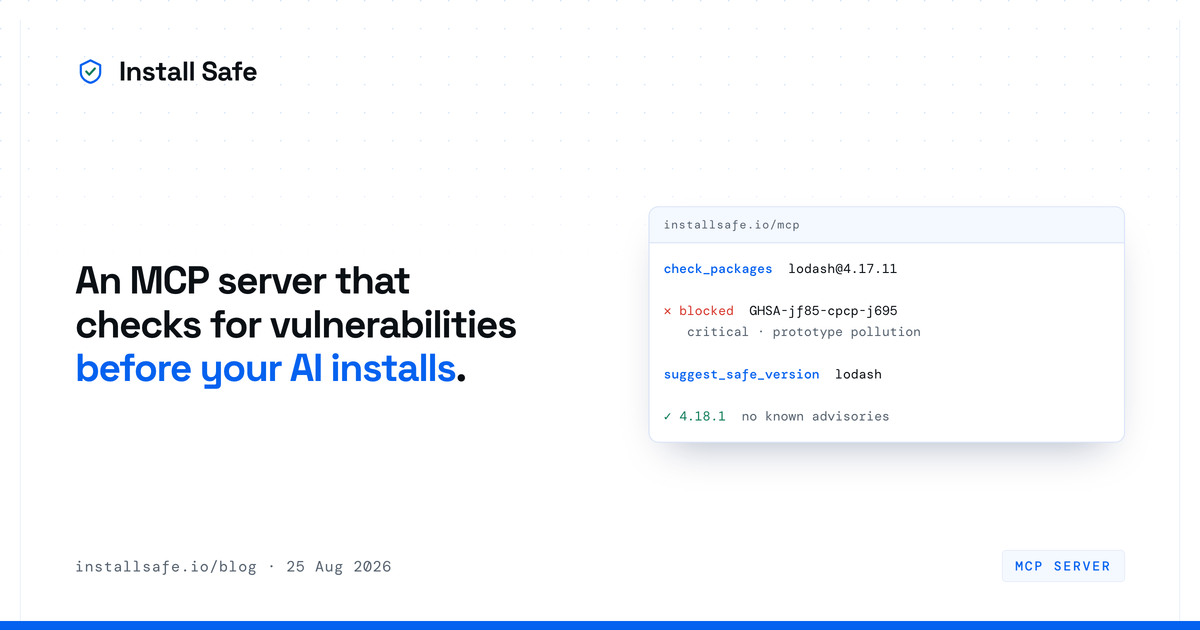
Short answer: InstallSafe now runs an MCP server at installsafe.io/mcp. Point any MCP client at that URL and your coding agent can ask whether an npm package has known advisories before it runs the install — and what version to use instead. No account, no API key, nothing to install.
The install is the wrong place to find out
The InstallSafe proxy refuses to serve a version your policy rejects. That is the right place to enforce a rule, because it works whether or not anything in your toolchain co-operates. It is a poor place to learn one.
Watch what an agent does when an install fails. It reads the error, tries again, and sometimes tries something worse — a different package with a similar name, an older release nobody has looked at, a --force it picked up from a Stack Overflow answer in its training data. The refusal did its job. The two minutes that followed were still wasted, and the retry is where the interesting mistakes happen.
An agent that asks first never produces the failed install at all. It gets an answer, picks a clean version, and moves on. Same advisory data, same verdict, no dead end.
Three tools
check_packages takes up to fifty name-and-version pairs and returns, for each one, whether the default policy blocks it, the advisory IDs behind that, their severities, and the release that fixes each. It is batched because an agent adding four dependencies should ask once, not four times.
suggest_safe_version takes a package and returns the highest version with no known advisories, derived from the fixed releases the advisories themselves declare. This is the one that turns a refusal into a fix without a second round trip.
scan_manifest takes the text of a package.json, package-lock.json, pnpm-lock.yaml or bun.lock and returns every finding in it. Same engine as our free scanner, for when the question is "audit this project" rather than "check this package".
A real exchange, run against the live server:
check_packages  lodash@4.17.11

lodash@4.17.11 — blocked by the default policy, 7 advisory(ies):
  - GHSA-jf85-cpcp-j695 (critical): Prototype Pollution in lodash — fixed in 4.17.12
  - GHSA-35jh-r3h4-6jhm (high): Command Injection in lodash — fixed in 4.17.21
  - GHSA-p6mc-m468-83gw (high): Prototype Pollution in lodash — fixed in 4.17.19
  ...

Advisory data from OSV.dev, live, as of 2026-08-25.


suggest_safe_version  lodash

lodash@4.18.1 — no known advisories in OSV.
Skipped 4.17.11, which have advisories.
Setting it up
Claude Code, one line:
claude mcp add --transport http installsafe https://installsafe.io/mcpAnything else that speaks MCP over HTTP — Cursor, Windsurf, VS Code, Claude Desktop — takes the same URL in its config:
{
  "mcpServers": {
    "installsafe": { "url": "https://installsafe.io/mcp" }
  }
}
There is no key to paste and no account to create. The server is anonymous, and everything it answers is derived from public advisory data.
What it will not tell you
It will never tell you a package is safe.
That is deliberate, and it is the part of this we thought hardest about. An agent repeats a tool's answer to a developer more or less verbatim, which makes it the one place a claim gets made by a machine with no judgement of its own about whether the claim is warranted. So the answer is always "no known advisories in OSV as of this date", never "safe". The date and the data source are on every response.
The limits behind that wording are worth stating plainly:
- It knows what OSV knows. A package whose problem nobody has published yet will come back clean, exactly as it would with any other tool built on the same advisory data — which is most of them, including
npm audit. - It answers about versions, not intent. A package can be advisory-free and still be a bad idea. This is not a code review.
- The proxy fails open. If advisory data is unreachable, installs pass through rather than the whole organisation grinding to a halt. We think that is the right trade, and you should know we made it.
Why not just run a scanner?
Because a npm malware scanner takes inventory of what is already in your tree. That is useful, and if you have one you should keep it — this does not replace it and is not trying to.
The difference is which side of the install you are standing on. A scanner tells you that lodash@4.17.11 is in your lockfile, after it got there, after its install scripts ran. This answers the question while the decision is still open, which is the only moment when the answer costs nothing to act on.
For a human that distinction is mild — you were going to read the report eventually. For an agent that installs, tests, and moves on inside a minute, it is the whole difference between a guardrail and a report nobody reads.
It is free, and it stays free
The MCP server is anonymous and free. It is rate-limited per IP, which is the only thing standing between it and the open internet, and that is the extent of the catch.
The paid product is the registry proxy — the thing that enforces a policy on every install, including the ones nobody asked it about, and keeps the record of what it kept out. The MCP server is for the agents that would rather ask.
Details and the full tool schemas are in the docs. If you are wiring up an agent, the agent setup page covers both halves.



